
Jobber Route Optimization: What It Does Well — And Where It Breaks Down
A practical look at Jobber’s route optimization capabilities — what it does well and where field service teams still lose time and money.

First — what Jobber does well
For most field service teams, Jobber is the operational backbone — and it does that job well.
Jobber is strong at:
Job management
Scheduling visibility
Dispatch coordination
For most teams, it’s the operational backbone.
Where expectations get misaligned

A lot of teams assume:
👉 “If we’re using Jobber, our routes and schedules are optimized”
That’s not what Jobber is designed to do — and that gap is where inefficiency creeps in.
What “optimization” actually means

True optimization isn’t a feature — it’s an ongoing decision process.
True optimization answers:
What is the most efficient way to schedule today?
How do we minimize drive time?
How do we balance workloads?
How do we reduce overtime?
That requires:
Analysis
Tradeoffs
Iteration
Where the gap is

Jobber helps you:
Organize and manage work
But it doesn’t:
Continuously analyze schedule efficiency
Identify cost-saving adjustments
Suggest optimized changes based on real operational tradeoffs
The result
Most teams end up:
Manually adjusting schedules
Relying on dispatcher intuition
Leaving efficiency — and real profit — on the table every day
Where FieldOps Copilot fits
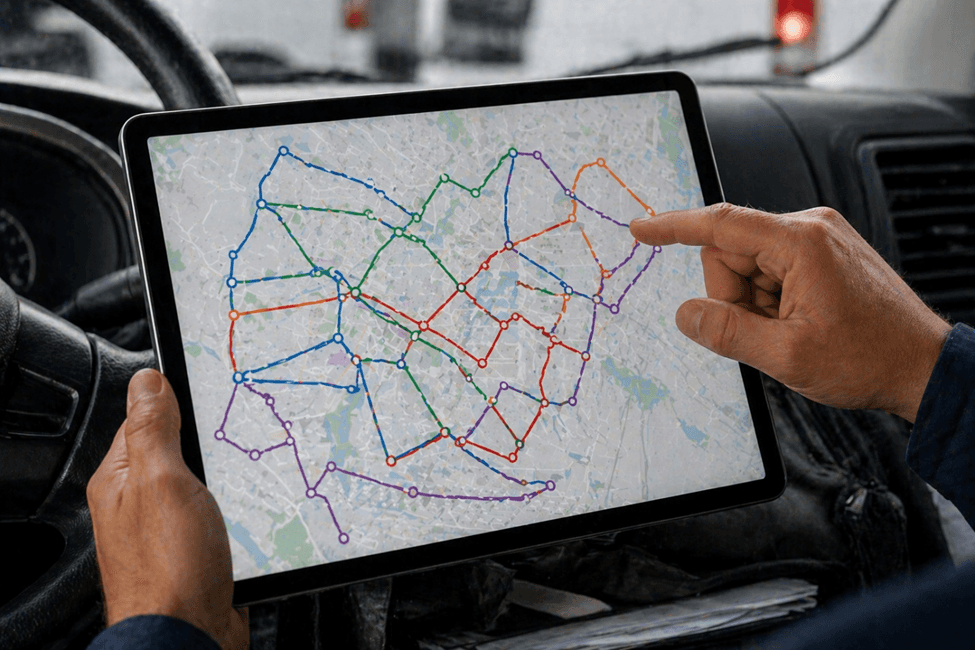
FieldOps Copilot acts as an intelligence layer:
👉 It analyzes your existing schedule and highlights:
Where inefficiencies exist
What changes would improve it
What impact those changes would have
If you’ve ever wondered whether your schedule is actually optimized or just “organized,” happy to walk through a real example using your schedule.
See what better scheduling would actually look like for your team
See My Lost Profit
See My Lost Profit